
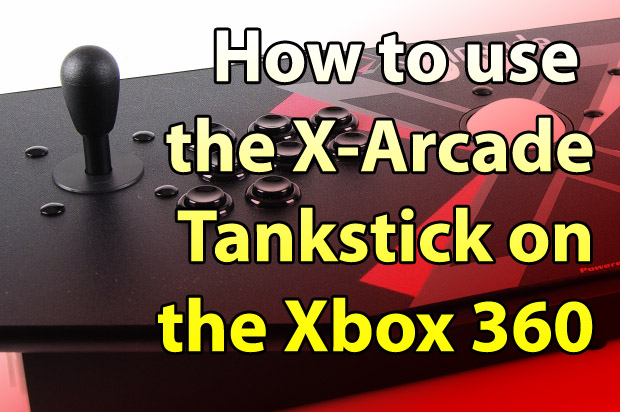
Extreme retro gamers have discovered that a quality arcade stick delivers a true “arcade feel” to their classic video games. The X-Arcade Tankstick is currently the king of the hill, and has several adapters for use on all popular consoles… except the Xbox 360. X-Arcade has been working hard to get an Xbox 360 adapter for their arcade controllers, but unfortunately Microsoft has complete control over which vendors can manufacture peripherals for the Xbox 360.
Microsoft has created legal protection of third-party development, which only allows four companies legal permission to make controllers for the Xbox 360 system. This allows the Redmond company to control the pricing and supply of 360 peripherals, which has the unfortunate side effect of limited consumer choices.

Since Xbox Live Arcade has burst onto the scene, the console has been in dire need for a quality arcade arcade stick. Sure, it’s novel to play arcade classics on the 360, but Live Arcade opens up new play modes that you couldn’t do in the 80s, like do a time trial with a friend or playing co-op Gauntlet with a guy in Asramistan. There are also brand new games that would only benefit from a durable arcade controller, like Namco Bandai’s Pac-Man Championship Edition.
Although Xbox 360 peripherals use standard USB, the console looks for a patented hardware code on the device to see if it is legitimate. It’s not possible for companies to hack a controller, but there is a way to get your X-Arcade products to work on the Xbox 360…
The answer comes from a current Xbox 360 adapter called the “XFPS” that lets you use a PS/2 keyboard and mouse on your Xbox 360 (as well as a Playstation 2 controller). The X-Arcade Tankstick is basically a keyboard with high-quality arcade parts, and the trackball works as a standards pointing device. Hmmm…

All you have to do to get your X-Arcade Tankstick work on the 360 is to plug your X-arcade controller into the XFPS. The XFPS uses the hardware code from the genuine 360 controller, and the console now thinks it has an officially licenses peripheral attached.
The XFPS has two standard USB ports, a PS/2 keyboard port, PS/2 mouse port and a Playstation 2 port. The Tankstick has two wires with both USB and PS/2 adapters on each (one wire for keyboard emulation, and the other for mouse emulation). Since the wired Xbox 360 controller is using one of the USB ports, you should connect both Tankstick wires to the XFPS with their PS/2 connectors.


X-Arcade confirms better success when using their Playstation 2 console adapter, but this adapter does not support the use of the trackball. All you need to do in this case is connect the 9-pin serial cable on the Tankstick to the Playstation 2 adapter, and then plug the adapter into the XFPS’s Playstation2 port and map the buttons as normal.

11 comments
Why buy all that crap anyway… ? Just buy xbox 360/ xbox one and play games as it should be play ed :D
[…] more: How to Connect an X-Arcade Controller to your Xbox 360 — OCModShop.com […]
why would you need two tanksticks? doesn't the x-arcade ps2 adapter come with 2 outputs? isn't two XFPS and two wired controllers enough?
Using PS 2 to Xbox 360 via XPFS I cannot remap the buttons properly as WSAD is bound to left analogue stick (Player 2's directions buttons)and Player 1's joystick movements don't register with the XFPS.
-also want to know the answer to joe's question
I bought a XFPS Sniper v3.0 Plus and a wired Microsoft control and it doesn't work,(ps2 x-arcade stick) so save your money but ps2 control pad works.
I haven't tried this with the wireless xbox 360 dongle, but I wouldn't recommend it even if it did work… because without any input the wireless controller will time out and disconnect itself. Better to use the wired one just to make sure.
Just so I understand fully.. Do you also need a WIRED 360 ontroller to be able to map the buttons or is it possible to use a WIRELESS one?
so doing this, will both sticks work on the one USB connection?
I'm wondering if this has any lag
No wonder Microsoft doesn't allow a 360 adapter… the original xbox adapter had a tremendous lag that makes most games unplayable and most gamers feel angry for expending thirty bucks in a piece of crap.